
Analytics
Open in NocthinkModule: Settings › Apps · URL: /settings/analytics · Responsible role: Owner (organization admin) · Also used by: Directors; everyone else cannot open the page
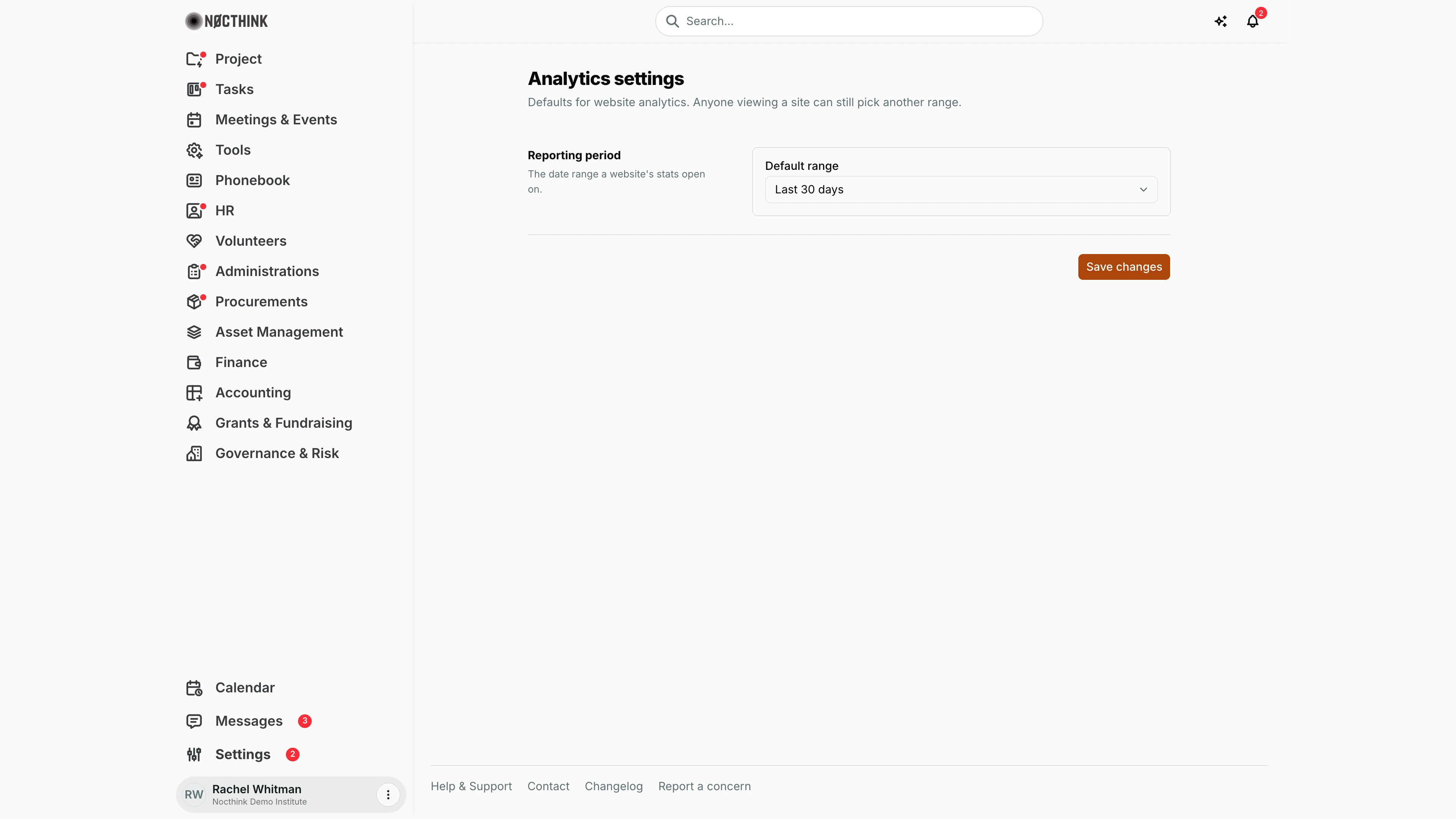
Screenshot: Rachel Whitman (Executive Director, org owner), Nocthink Demo Institute demo data.
Why I use this page
I use this page to decide which date range a website's statistics open on when someone clicks into a site under Tools › Websites Analytics. It is a one-time setup choice that I revisit only when our reporting rhythm changes — for example, switching to Last 90 days when the board starts asking for quarterly traffic numbers. It does not change any data; it only sets the starting view.
What's on the screen
- Header — Analytics settings with the note "Defaults for website analytics. Anyone viewing a site can still pick another range."
- Reporting period row — explains "The date range a website's stats open on." and holds one drop-down, Default range, with four choices: Last 7 days, Last 30 days, Last 90 days, Last 12 months.
- Save bar — the Save changes button at the bottom right. After a successful save a Saved tick appears beside it; if the save fails, the server's reason is shown on the left of the bar.
How I …
Change the default reporting period
- Open Settings in the sidebar footer, then Analytics under the Apps group (or go to
/settings/analytics). - In Reporting period, open Default range and pick the period our team reports on.
- Click Save changes and wait for Saved.
- Open any site from Websites Analytics to confirm it opens on the new range.
Check what colleagues will see
- Open a site in Websites Analytics without touching the range picker.
- The stats load for the saved default. Anyone can still pick another range on that page; their choice is not saved back here.
Access & permissions
- The page requires
analytics.delete(route rule inlib/domain-routes.ts), which only the Owner and Directors hold, matching docs/role.md §4.5 (Settings › Apps › Analytics is Owner-only). The Event Officer and General Affairs read the Analytics menu but cannot open this page. - The server lets any member read the value (it is a form default), but saving is checked against the same
analytics.deletepermission.
Caveats
- The setting is organization-wide: one default for every site and every viewer.
- Only the four listed ranges are accepted; the server rejects any other value.
- If the page shows a load error ("no data returned"), nothing has been changed — reload before editing.
- Leaving the page without clicking Save changes discards the change; there is no unsaved-changes warning.
Limitations
- Only one setting exists here. Which websites are tracked, tracking snippets and link analytics are managed on the analytics pages themselves, not here.
- No per-site or per-user default, and no custom date range as a default.
- No change history on this page.
Related menus
- Websites Analytics — the page whose site stats open on this range.
- Link Clicks — the other analytics page under Tools.
- Tools — defaults for the URL shortener and QR codes that feed link analytics.